The Instagram stories source pulls the stories from your connected Instagram business account into EmbedSocial, so you can display them on your website with a stories widget.
Stories disappear from Instagram after 24 hours, so this source is how you keep them visible on your site for longer than they live on the platform.
Before you start, connect your Instagram Account as a source.
How to connect an Instagram stories source
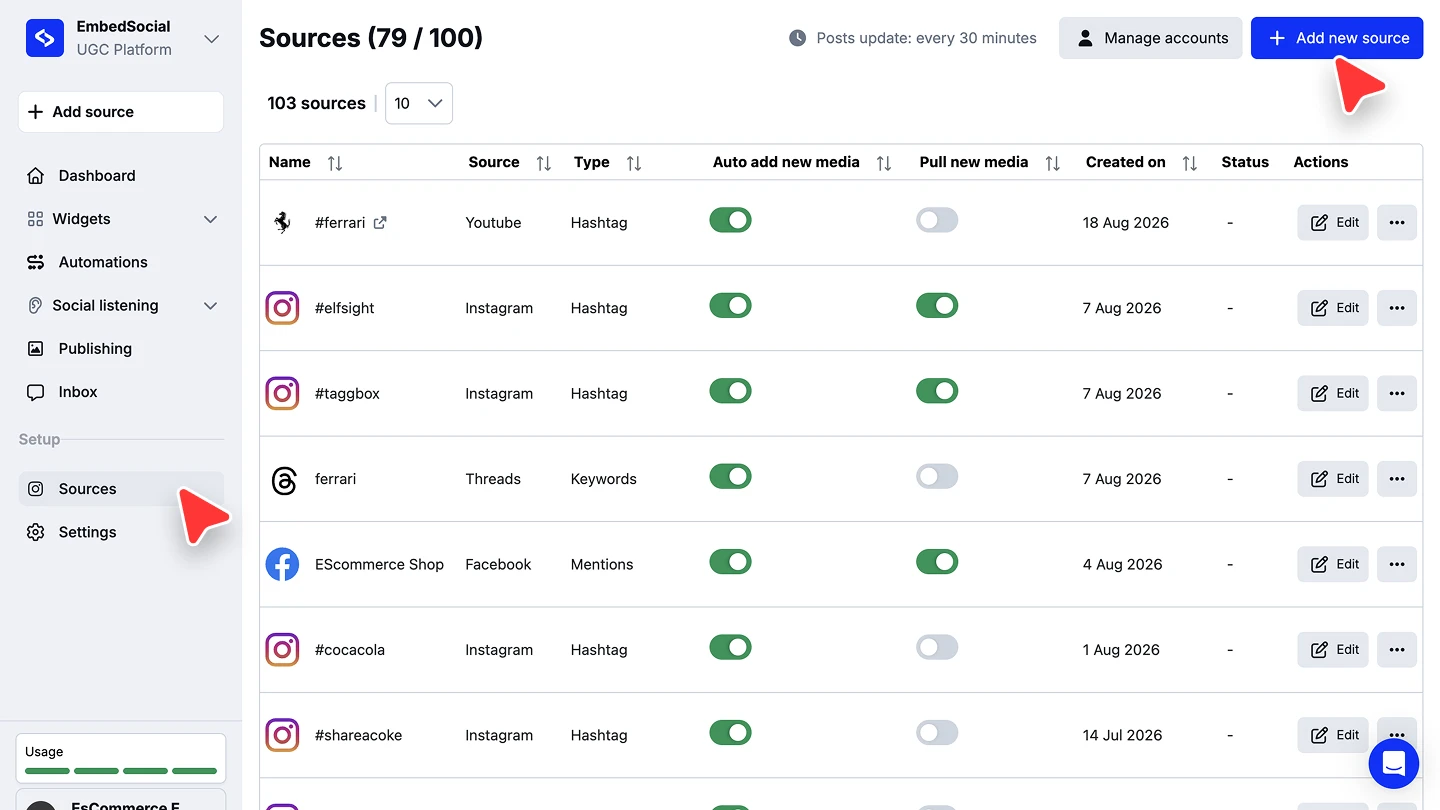
Open the source picker. Click '+ Add source' in the left menu.
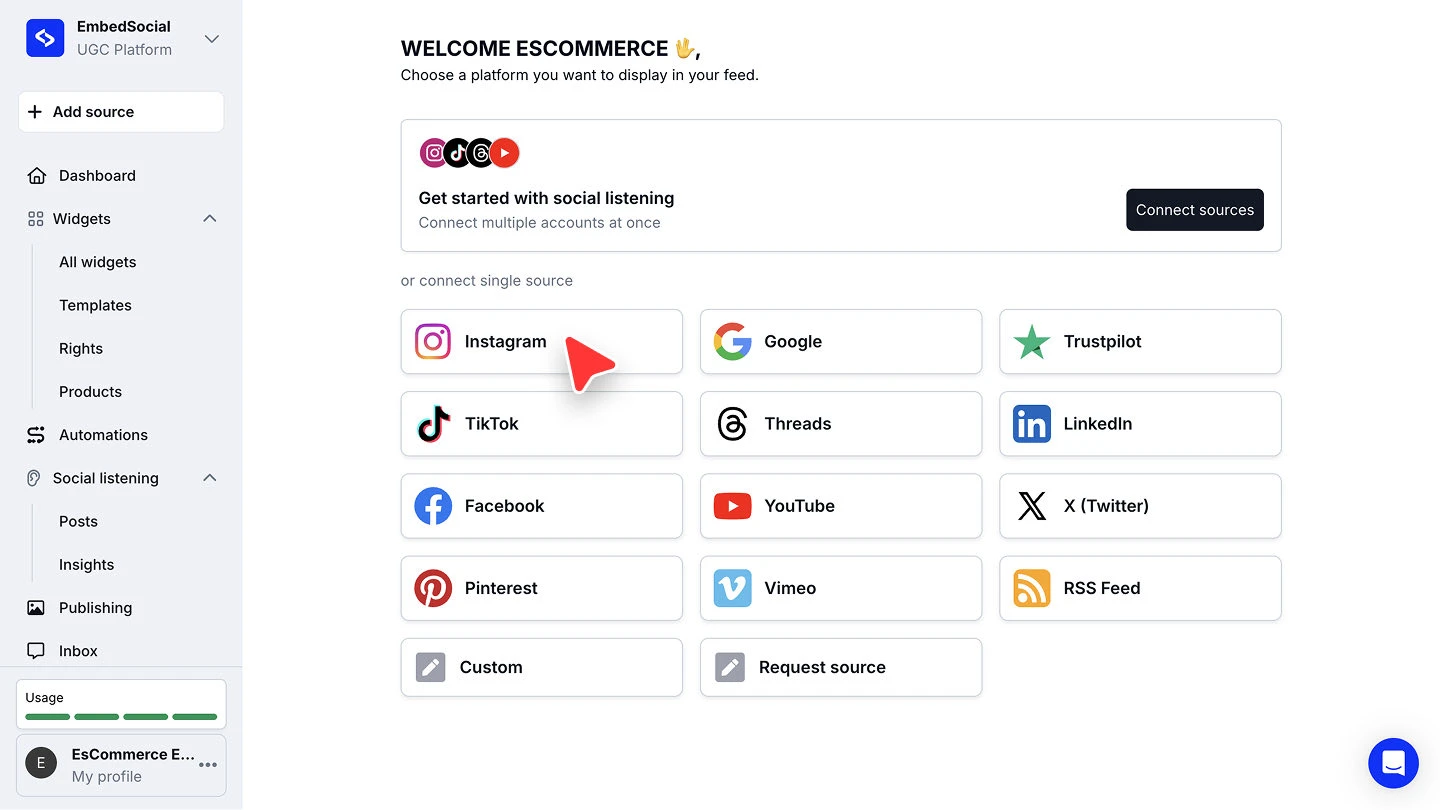
Choose Instagram. Under 'or connect single source', click 'Instagram'.
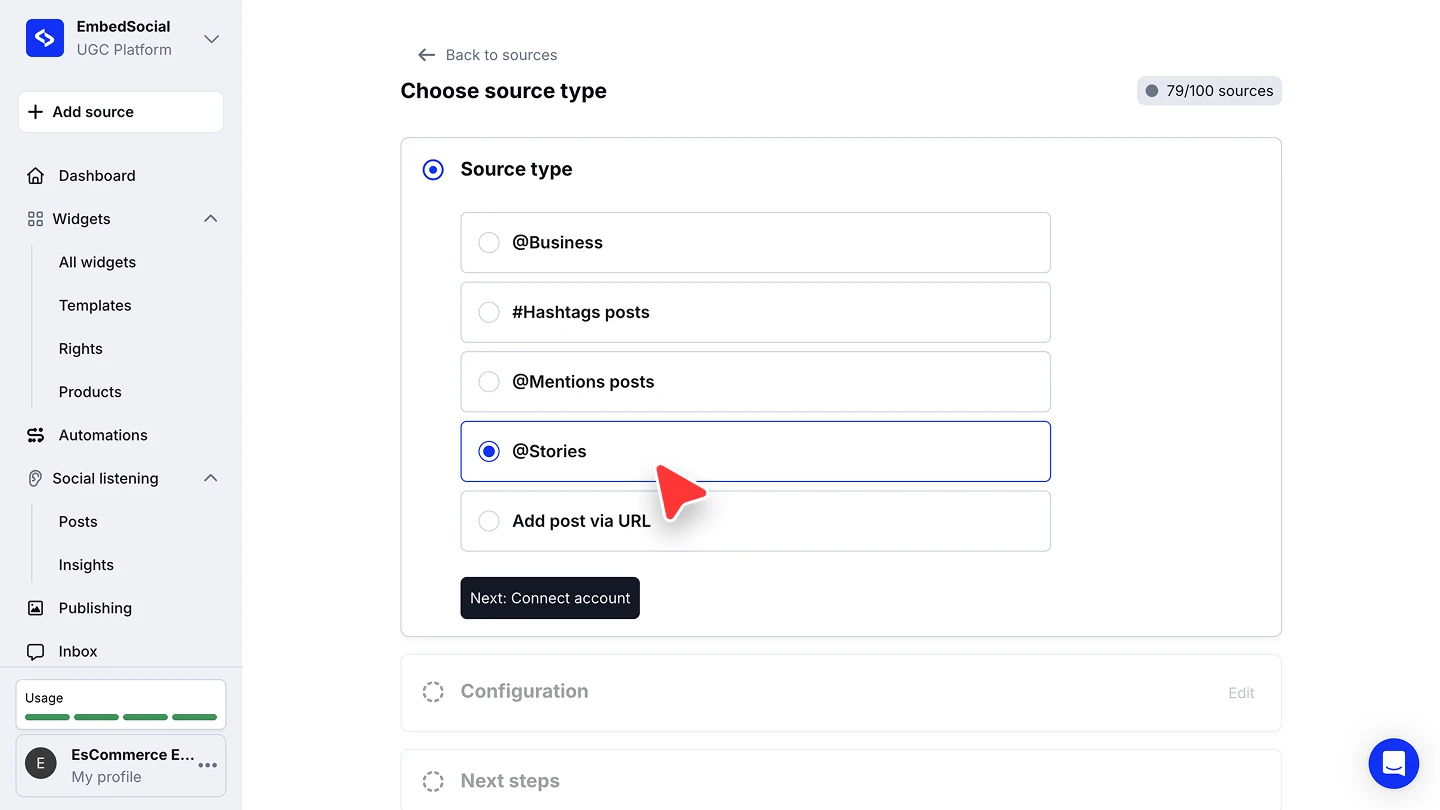
Pick the stories source type. On 'Choose source type', select '@Stories', then click 'Next'.
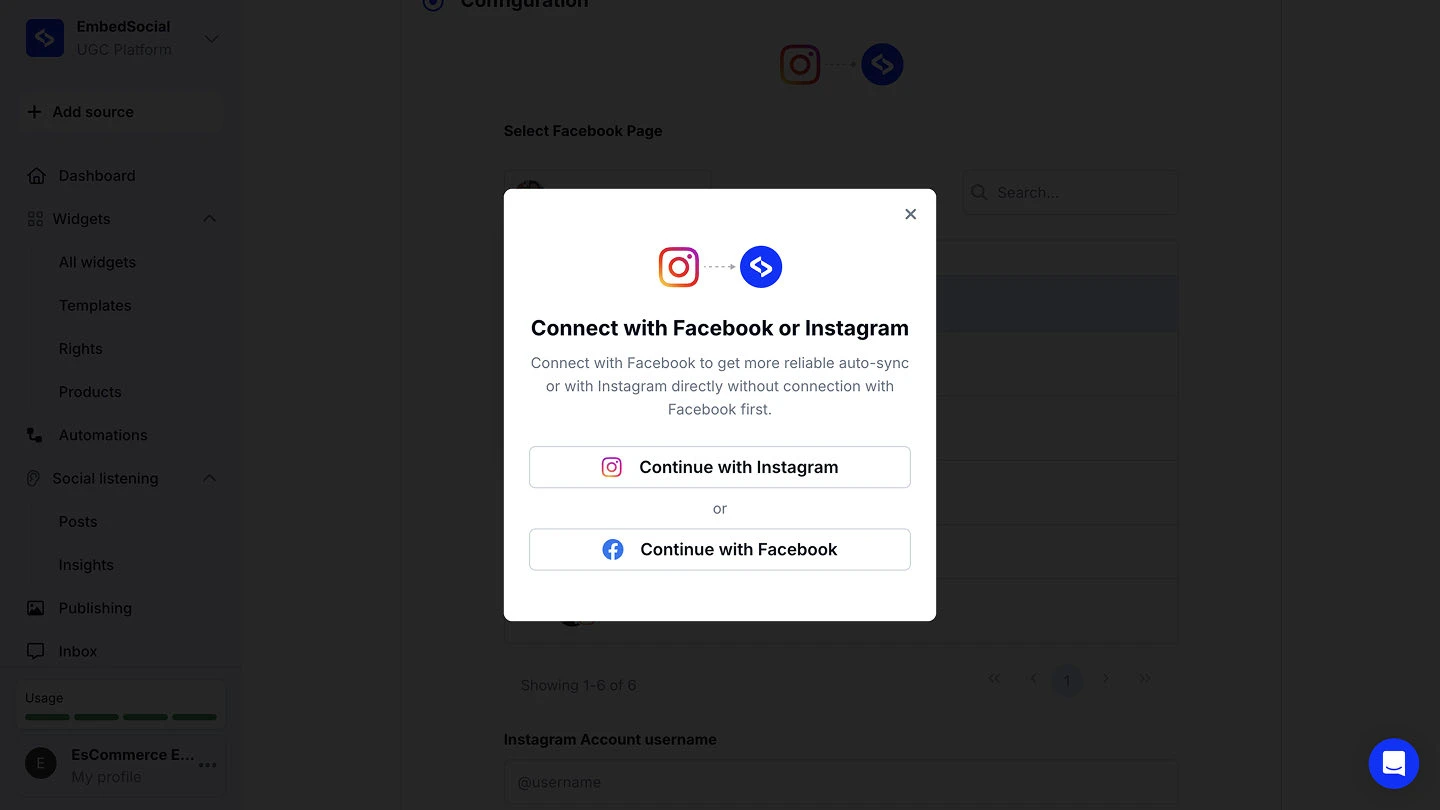
Grant access. Click 'Continue with Instagram' to connect Instagram directly, or 'Continue with Facebook' for more reliable auto-sync, then approve the permissions.
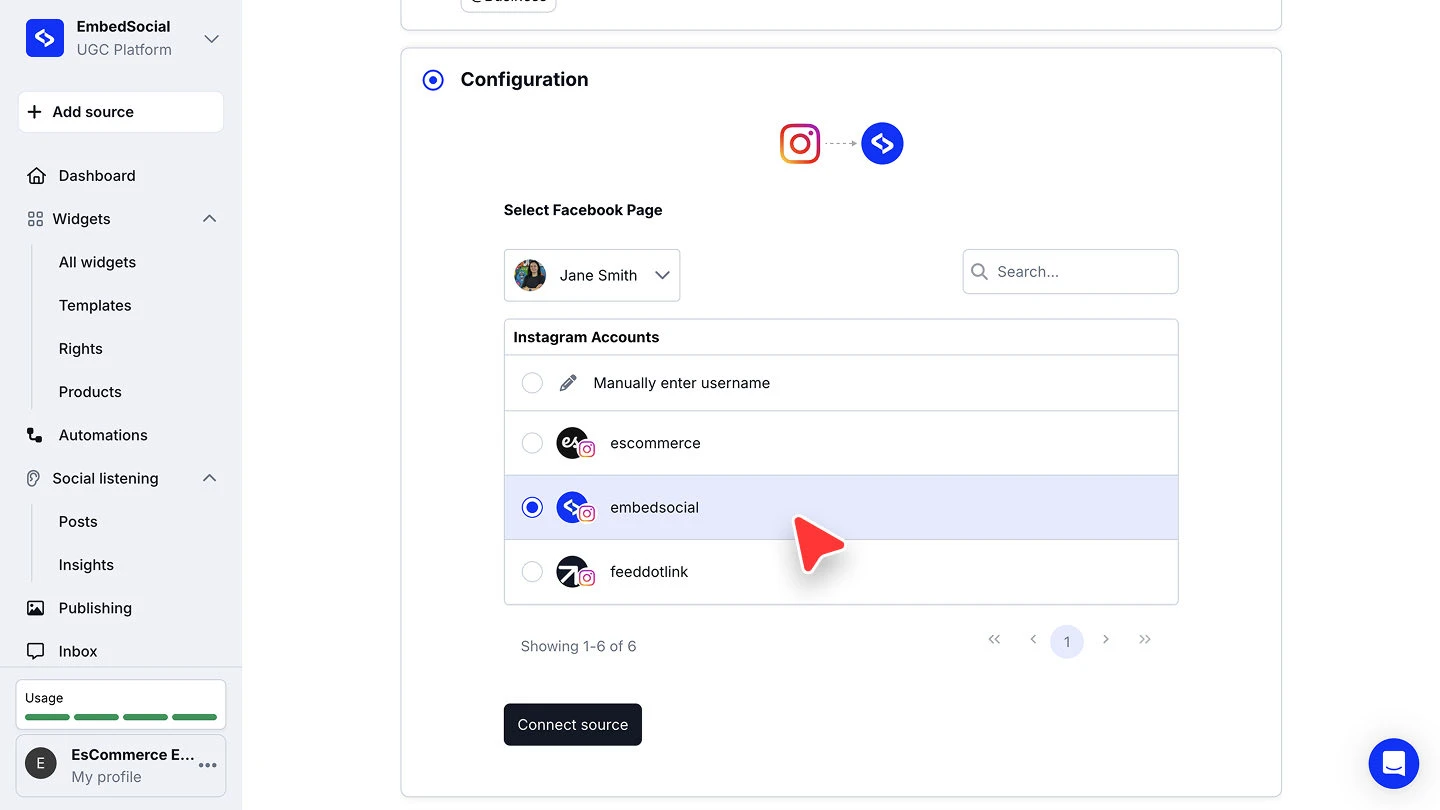
Choose the account and connect. Select the Instagram business account whose stories you want to collect, then click 'Connect source'.


Stories are only available from an Instagram business account. A personal account will not return them.
Ready to keep your stories on your site after they expire?
FAQ
Do I need an Instagram business account?
Yes. Stories are pulled from a connected Instagram business account, so a personal account will not work.
What happens after a story expires on Instagram?
Stories vanish from Instagram after 24 hours. Collecting them as a source is what lets you keep showing them in a widget on your site.
Should I connect with Instagram or with Facebook?
Either works. Connecting with Facebook is the more reliable route for auto-sync, so prefer it when your Instagram account is linked to a Facebook Page.
Do I need to connect my Instagram account first?
Yes. Connect your Instagram Account before adding a stories source.
What's next
With stories flowing in, decide how they appear on your site. See Sources for how sources feed your widgets.
If you have any questions, click the bottom right chat icon to talk with our customer success team or send us an email at support@embedsocial.com We're here for you 🙏